I. Why Stop Using Github Copilot?
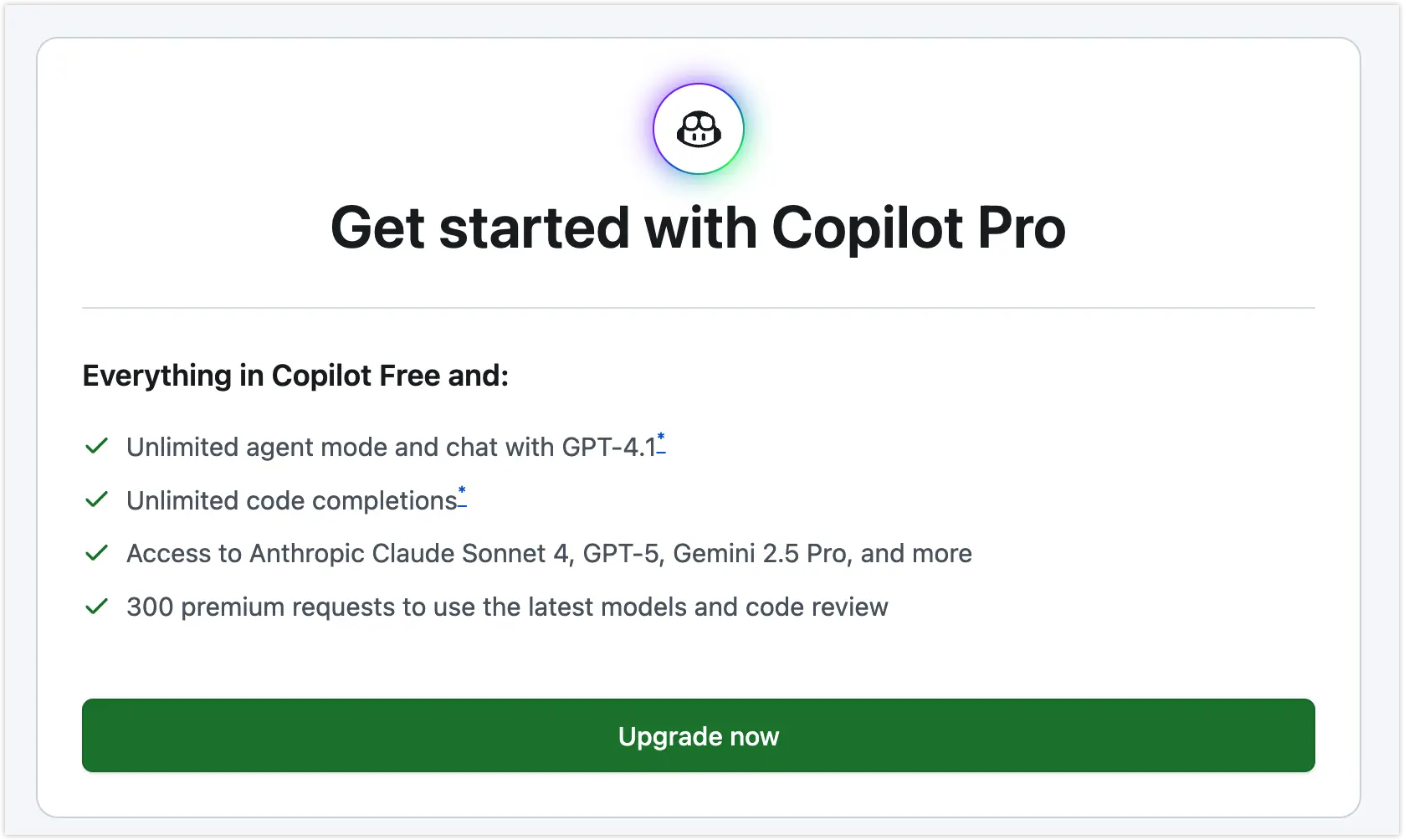
I’ve been using Github Copilot for AI-assisted programming on VSCode for some time. As a built-in plugin, it integrates tightly with VSCode and offers friendly interaction, working well for lightweight local tasks. However, the free version has monthly token limits, and the paid version costs $10 per month, which is a bit expensive. Since my monthly tokens are used up, I decided to look for free alternatives to save costs.
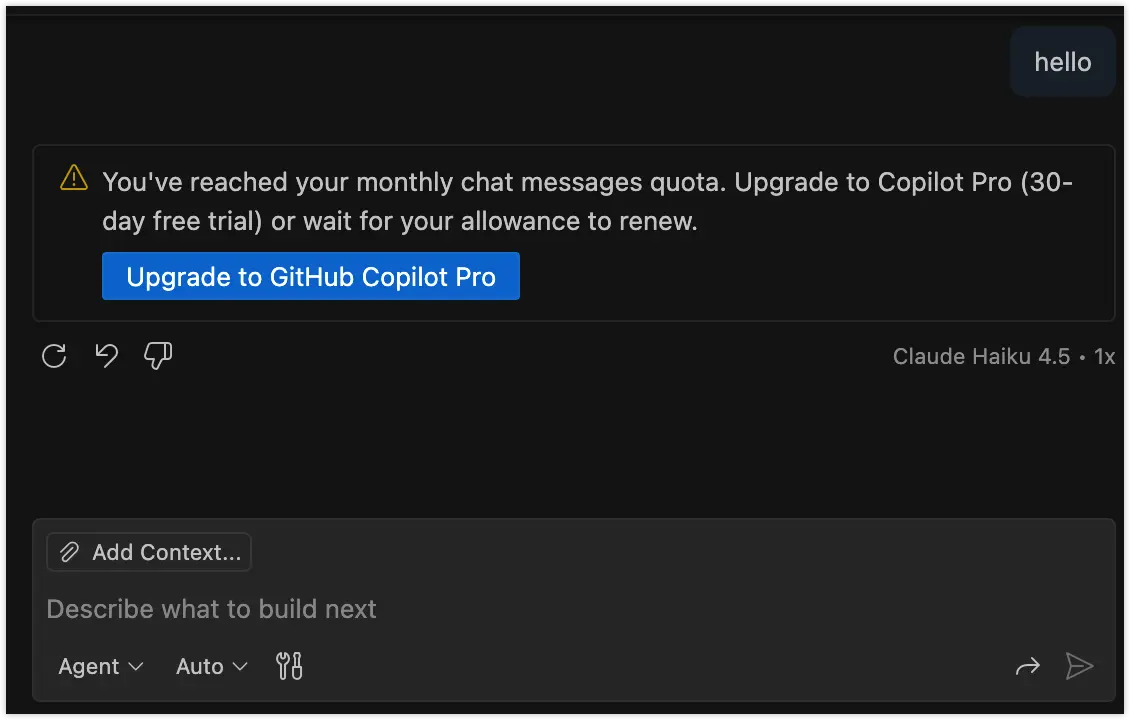
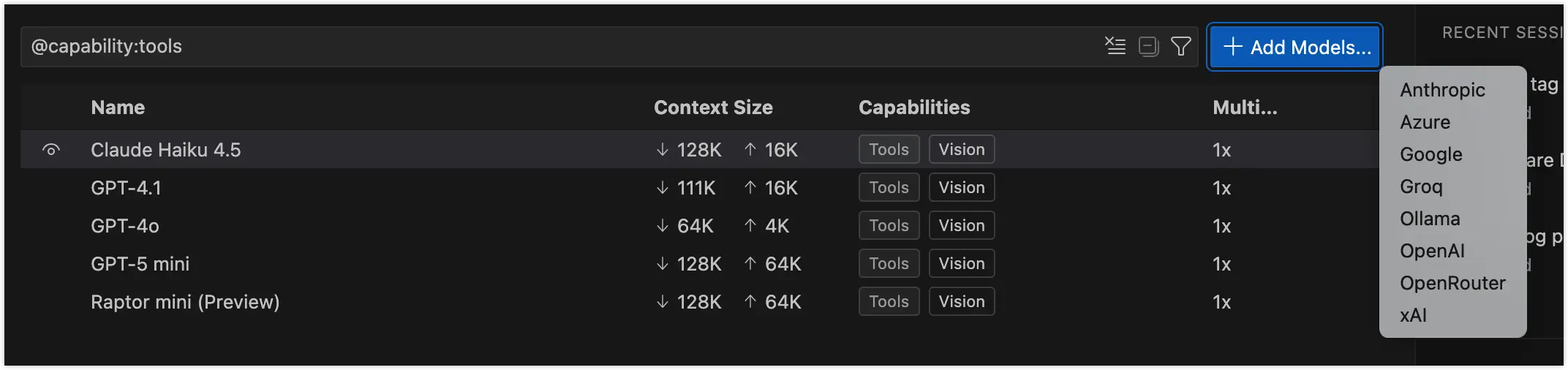
My initial idea was to find a free model to connect with Github Copilot. However, after checking, I found that Github Copilot doesn’t support adding custom models freely - it only allows selection from limited model providers, and you need to upgrade to Pro to access more powerful models. This made me understand that the business model of such plugins is essentially acting as a terminal consumption scenario for models, somewhat like a utility provider.
Since commercial products offer good service but have limited customization, let’s see if there are open-source alternatives.
II. Why Choose Roo Code as VSCode’s AI Programming Plugin
Fortunately, VSCode’s plugin ecosystem supports open-source solutions.
Currently, the most popular AI plugins for VSCode are Cline, Roo Code, and Kilo Code.
 Community opinions generally agree that Cline has higher popularity, Kilocode is growing faster, and Roo Code is more flexible. Although all these tools claim to offer extensive configuration capabilities, from a personal selection perspective, this isn’t a technical research project that requires deep study - just choose what feels comfortable to use.
1. Cline
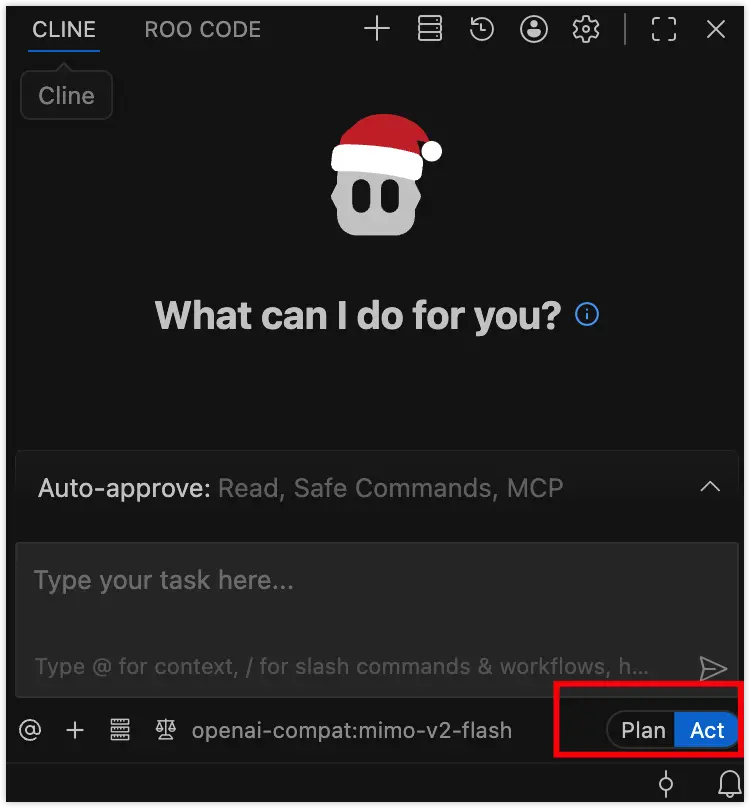
The most popular Cline, looking at its Plan and Act modes in the interface, compared to the more scene-appropriate Github Copilot, I’m not quite used to it, so it’s on hold.
2. Kilo Code
Kilo Code’s interaction is quite good - Code, Ask, Debug, and Agent modes are very suitable for usage scenarios. However, I encountered issues when connecting custom models, and autocomplete couldn’t run properly.
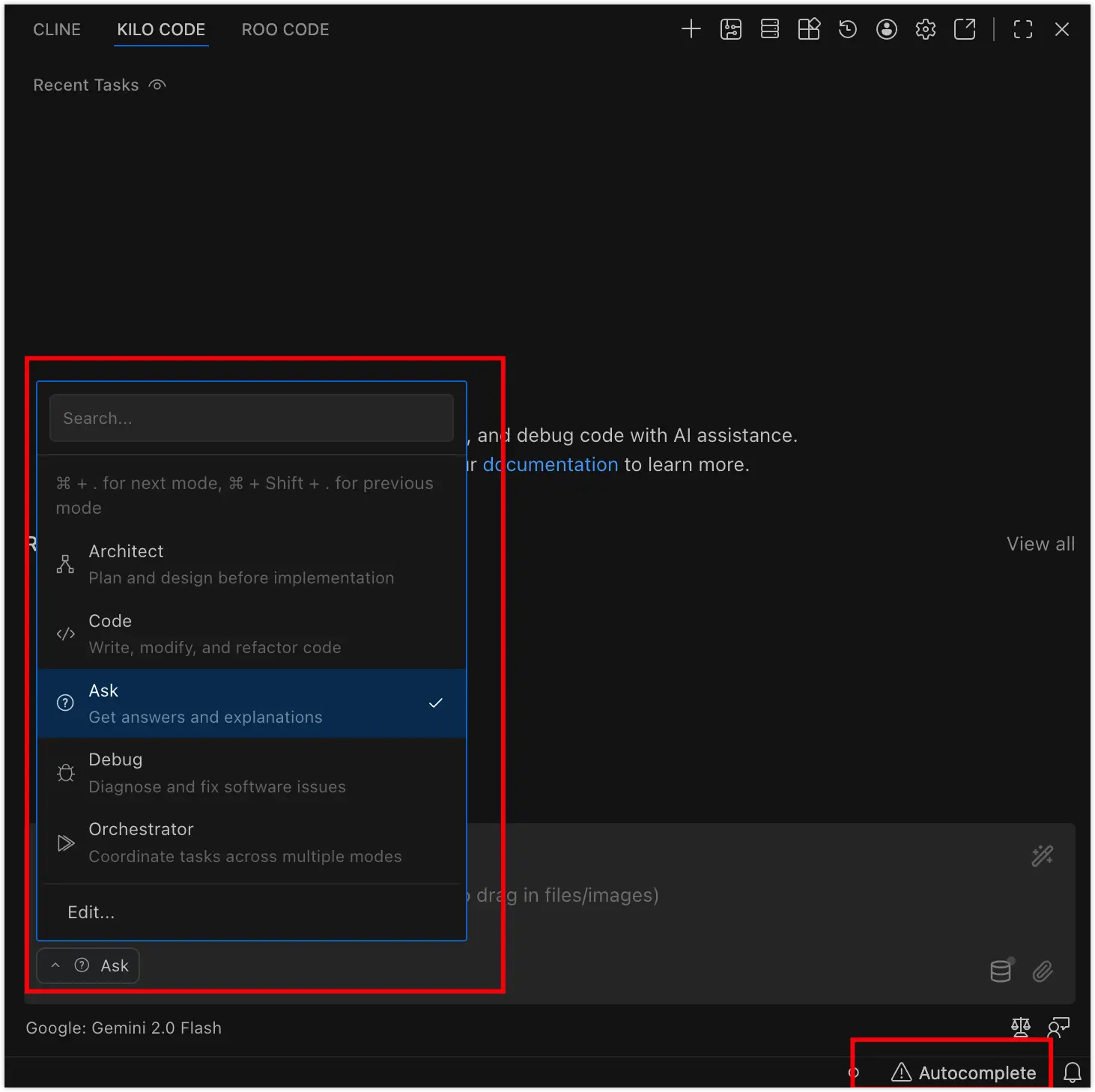
The Kilo community Issue#3548 also reported this functionality problem. Since code completion is essential for productivity, I had to give it up.
3. Roo Code
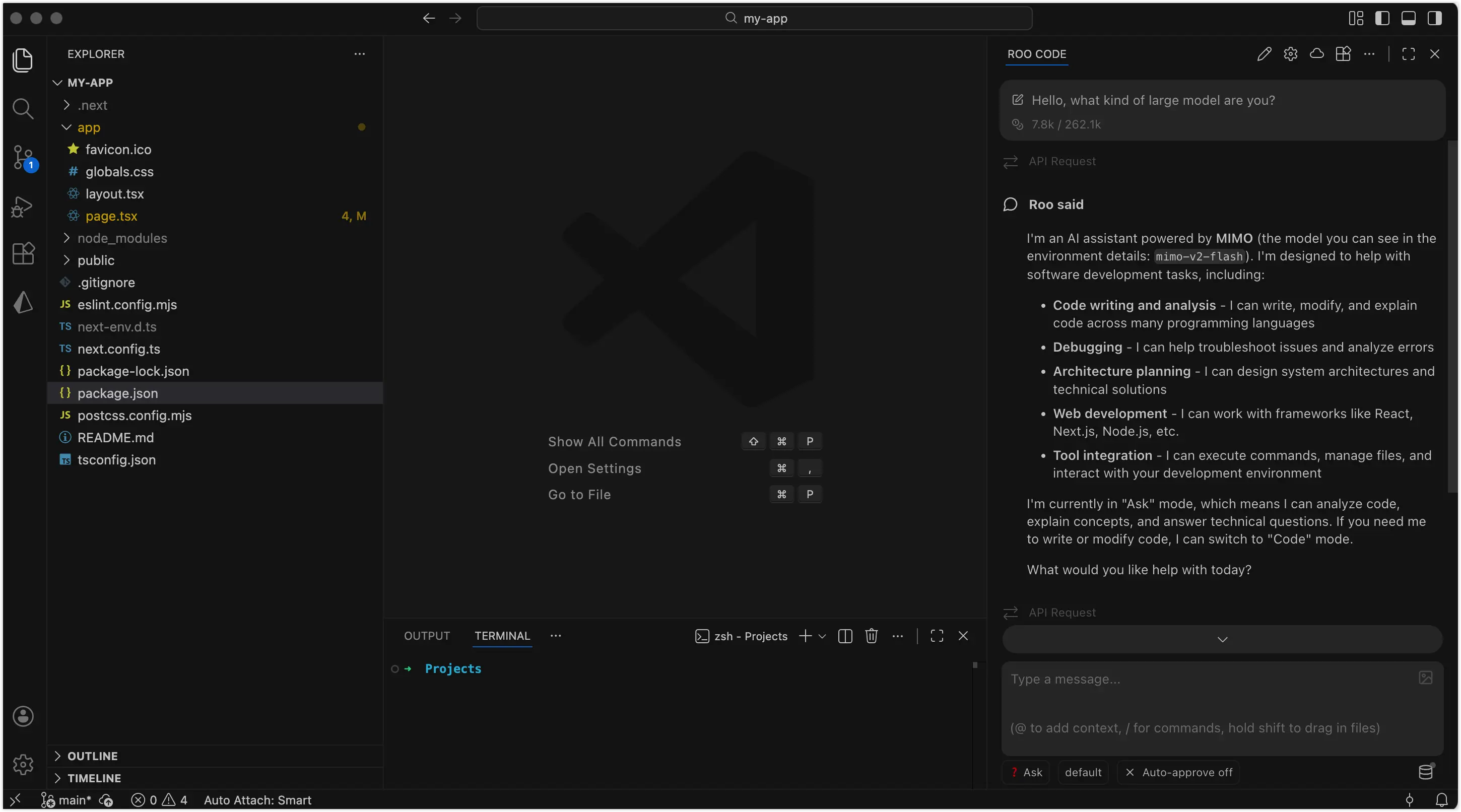
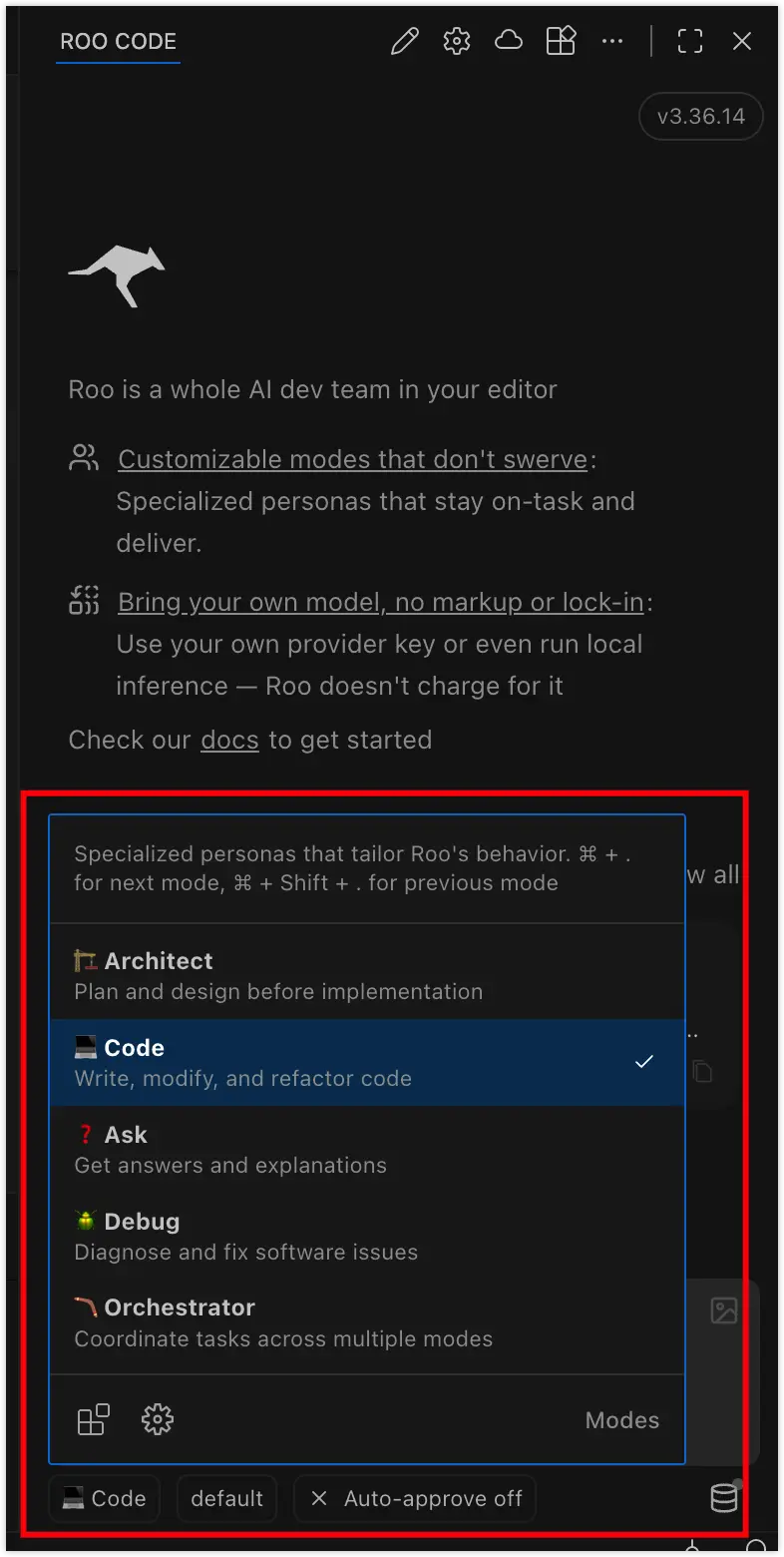
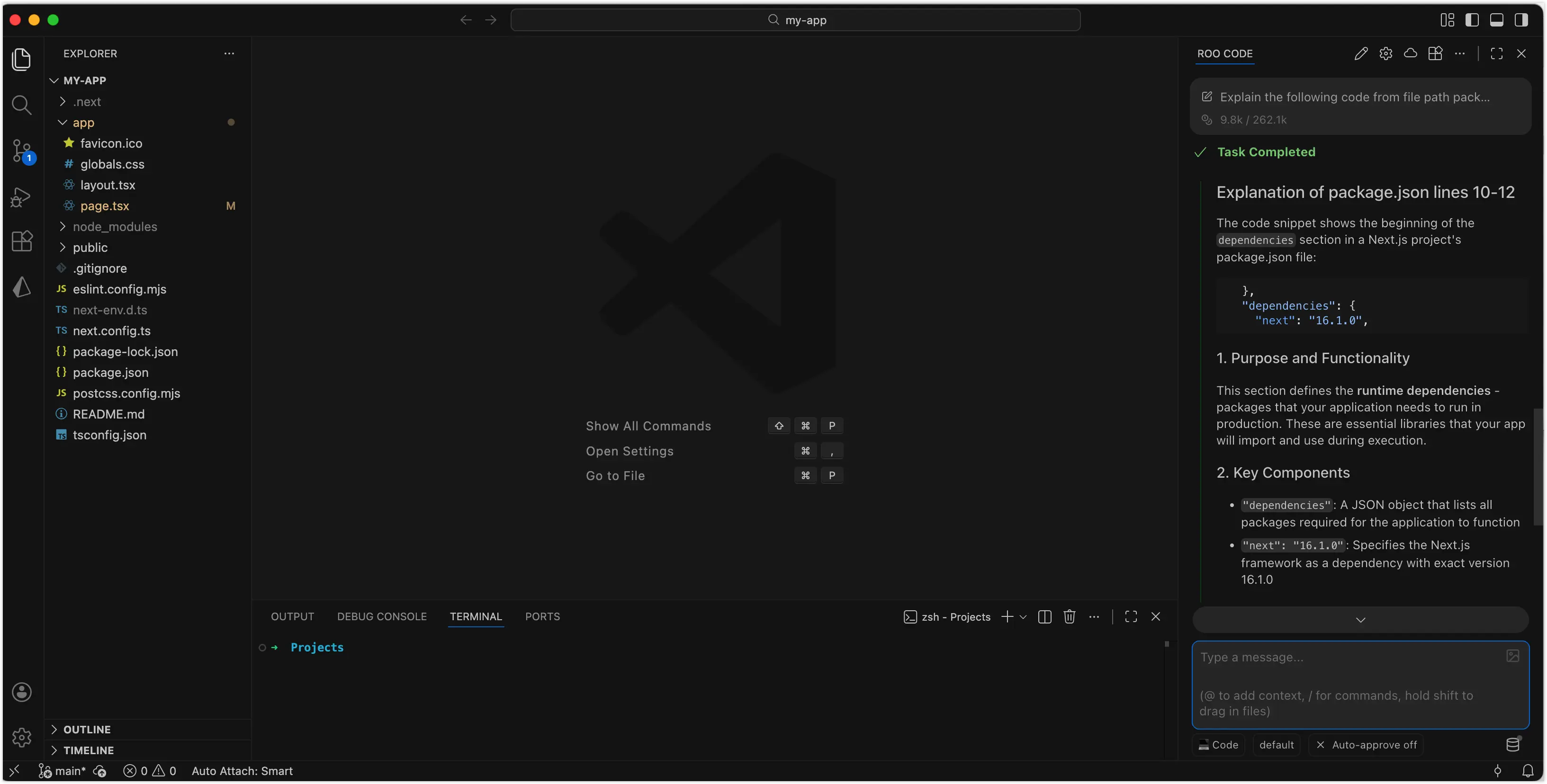
Finally, looking at Roo Code, the interface meets expectations, initialization isn’t as complex as the community said, and after customizing the model, code completion works normally, so I chose it!
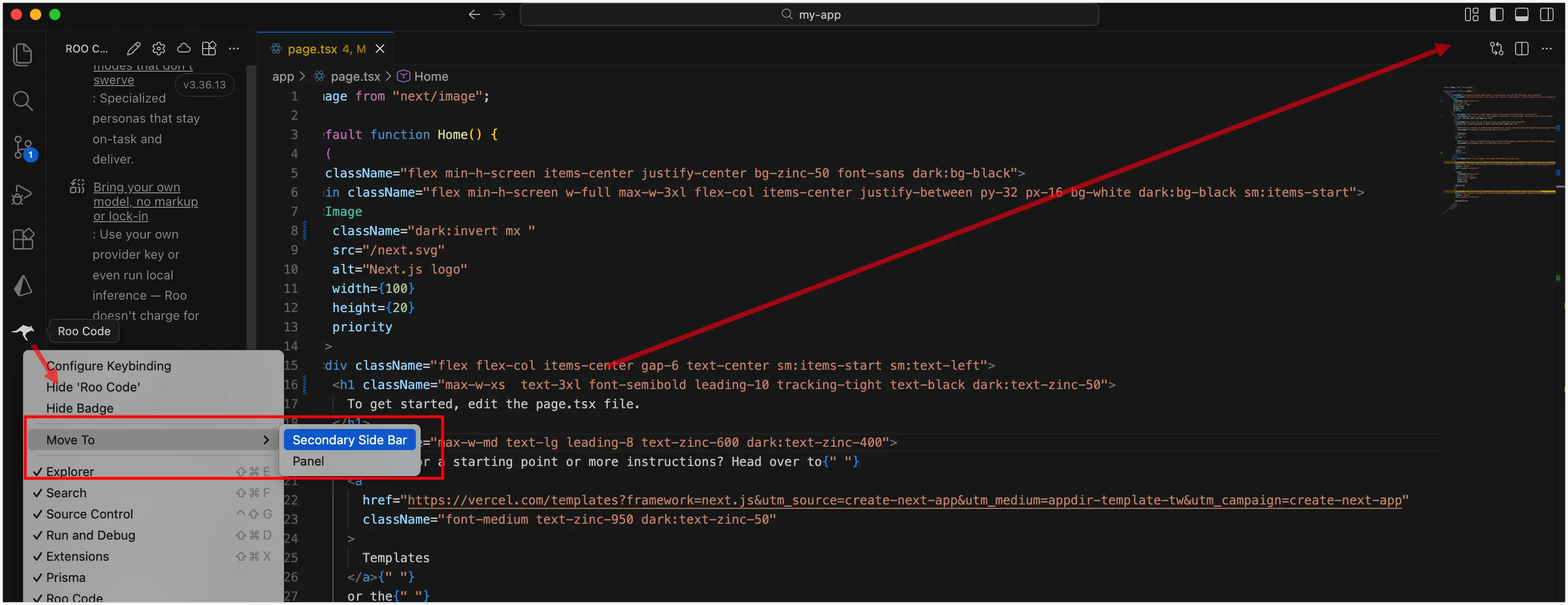
I moved it to the right sidebar, then tried common file right-click operations, and everything worked normally.
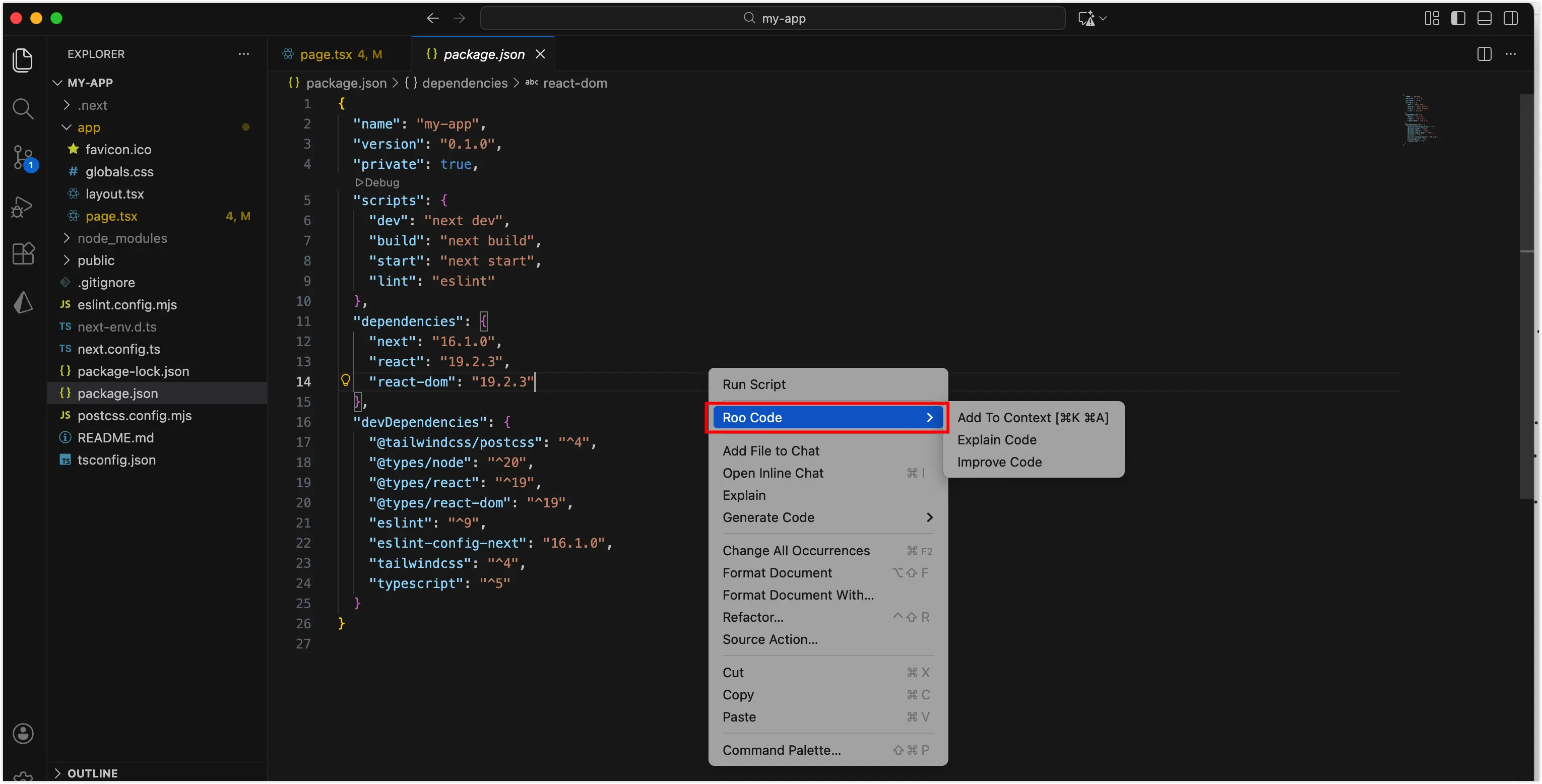
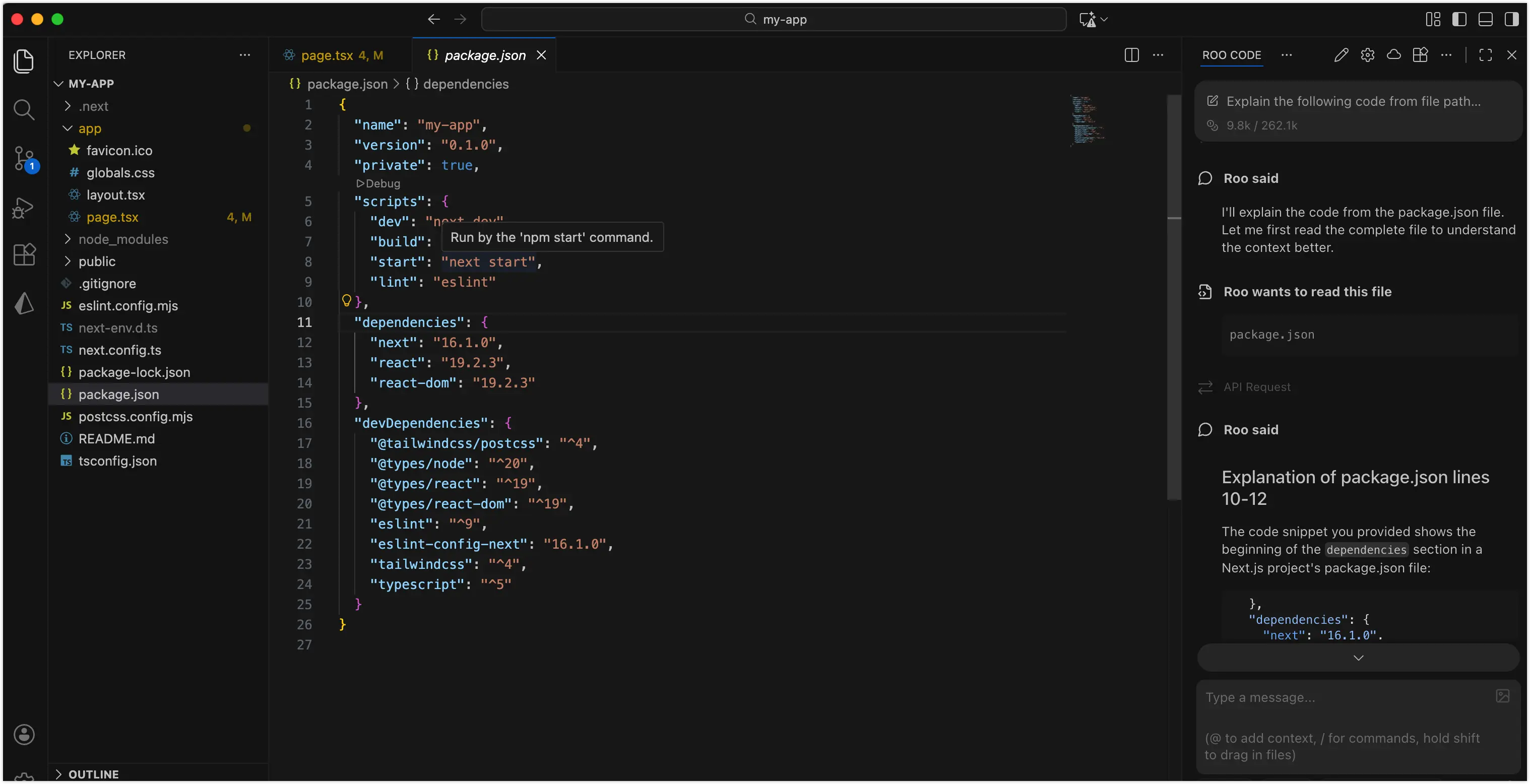
III. Subsequent Cleanup, Hiding Github Copilot
After installing Roo Code, you can hide Github Copilot to keep the interface clean.
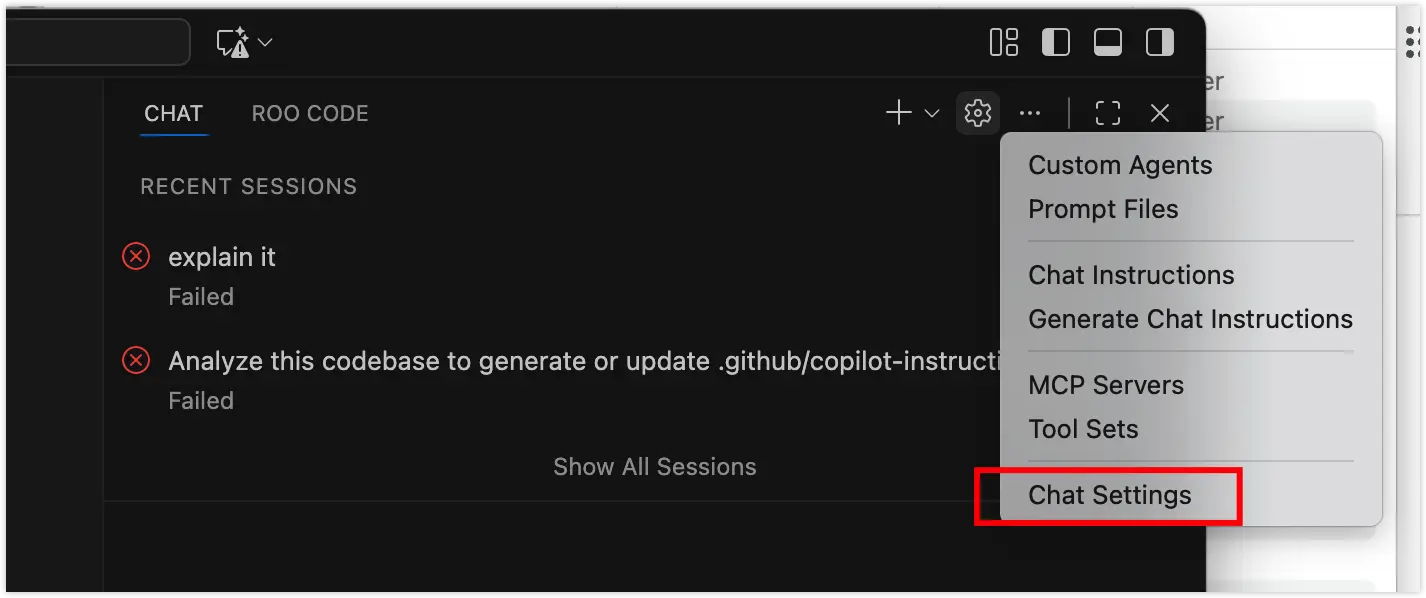
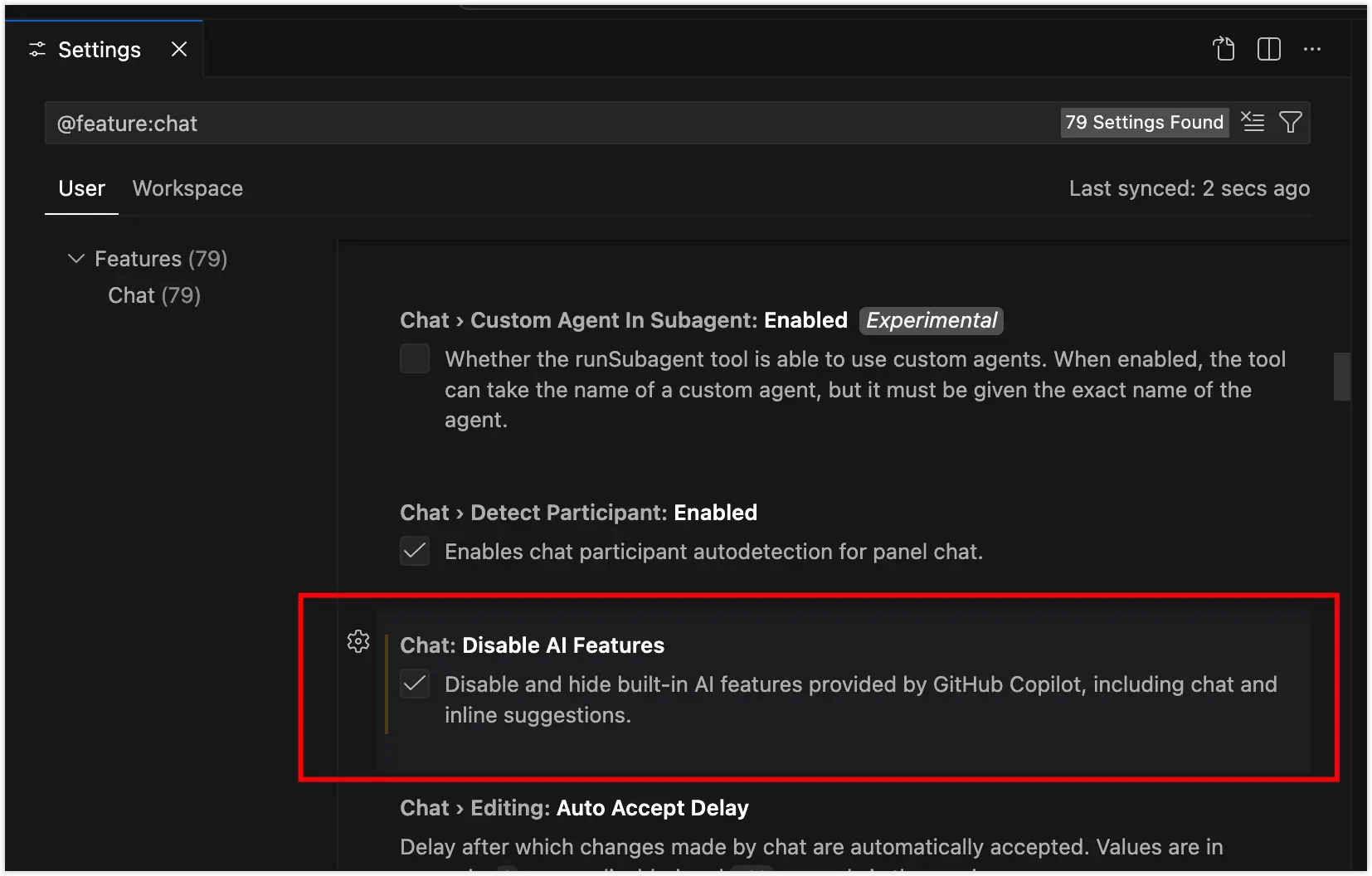
To re-enable it later is also very simple - you can find the chat.disableAIFeatures option in VSCode settings and uncheck it.
IV. Why Use Mimo
Actually, finding free models isn’t easy either. Most excellent models demonstrate their capabilities through Web products, but calling APIs costs money - the business model is truly like a utility provider.
Recently, on December 17th, at the Xiaomi Human-Car-Home Conference, they released their large model base MiMo-V2-Flash. Its highlights are that it has decent capabilities, fast speed, and extremely low prices ($0.1 per million input tokens and $0.3 per million output tokens). With competitive performance and reasonable pricing, this is very Xiaomi-like ^_^.
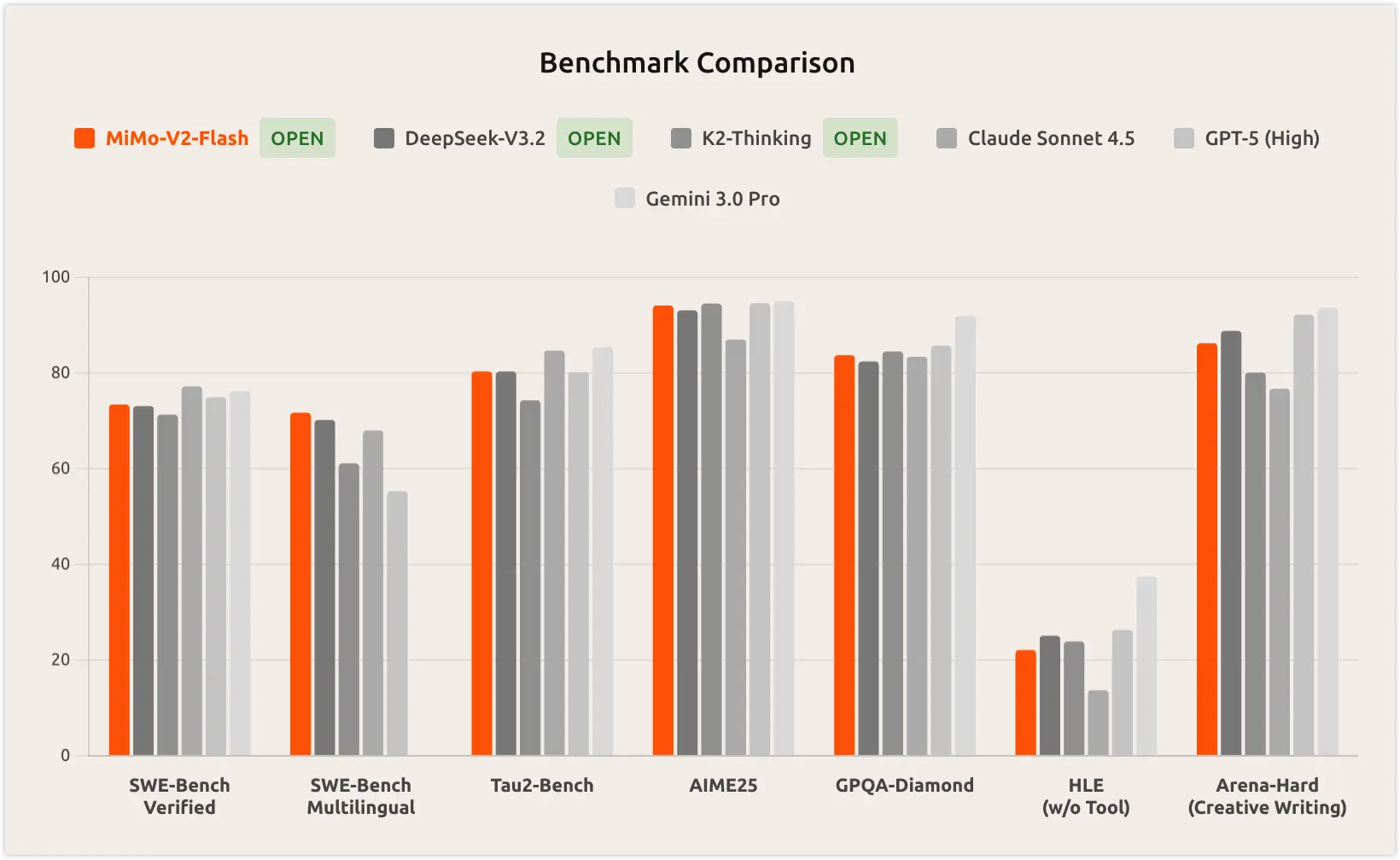
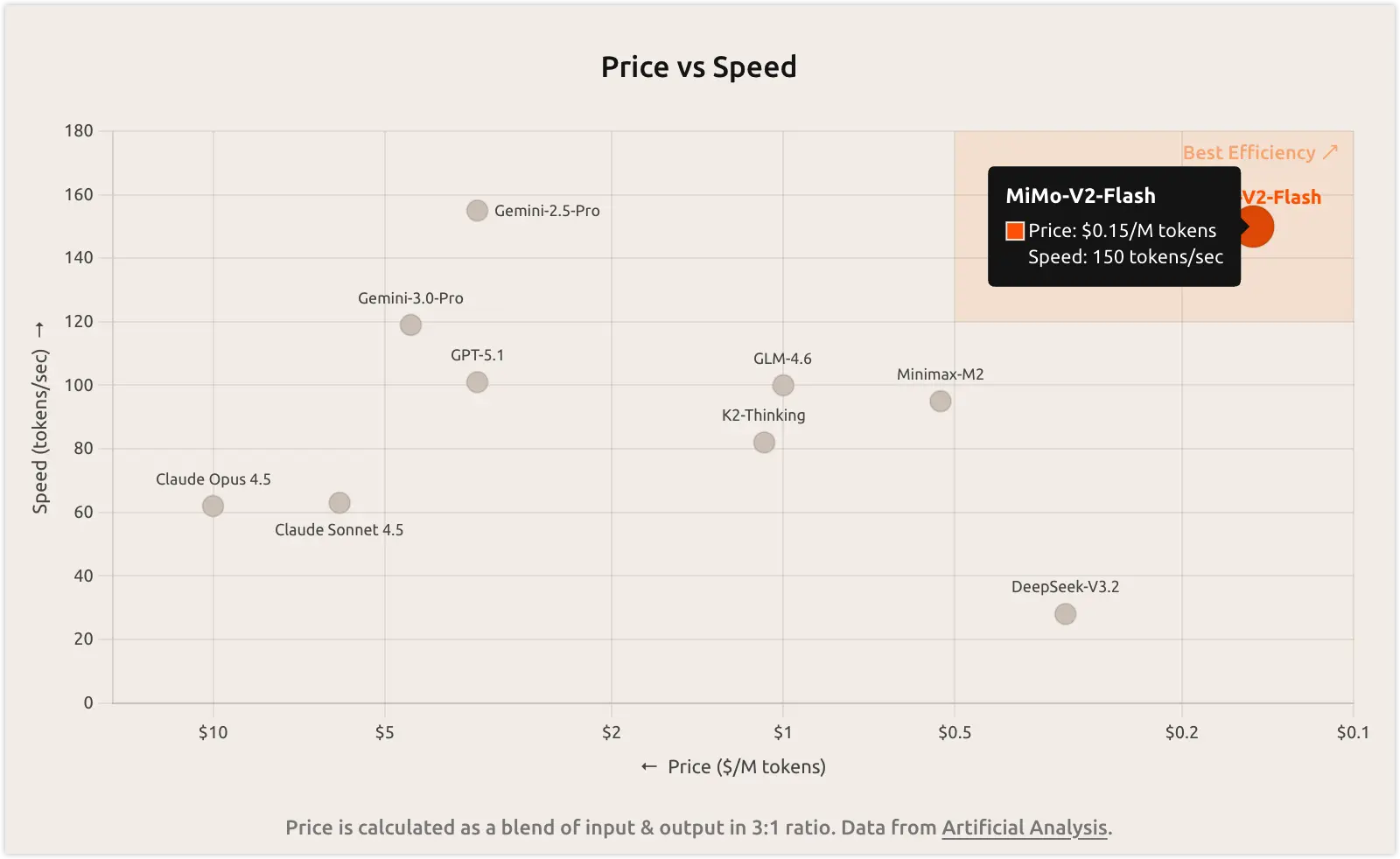
Given similar capabilities, speed and price are what I value most. After trying the Web version, the initial speed and capabilities seem decent, and it’s currently free for over ten days. I’ll integrate and use it first to see the effects. If it becomes paid later, since the price is cheap, it can also serve as an affordable paid model option.
V. Configuring Roo Code in Roo Code
Integrating with Cline, Kilo Code, and Roo Code is also quite simple - just follow the MiMo API Integration Documentation. It should be sufficient for lightweight programming assistance.